
How to Clean Up a Used iPhone or MacBook Before Reselling
If you want to clean a used iPhone or MacBook before flipping it, you don’t need fancy tools—just the basics. Here’s what I use every time.
Let’s be real—when you’re flipping Apple gear, presentation matters. People will pay more for a device that looks clean, even if it’s the exact same product as a dusty one.
Here’s how I clean up used iPhones and MacBooks to make them look as close to new as possible—without spending more than a few bucks.
💡 Haven’t bought your flip yet? Here’s how I hunt for used iPhones the smart way.
My Routine for Cleaning Used Apple Devices
1. Turn it off first
Safety first. You don’t want to accidentally trigger SOS or FaceTime someone while scrubbing.
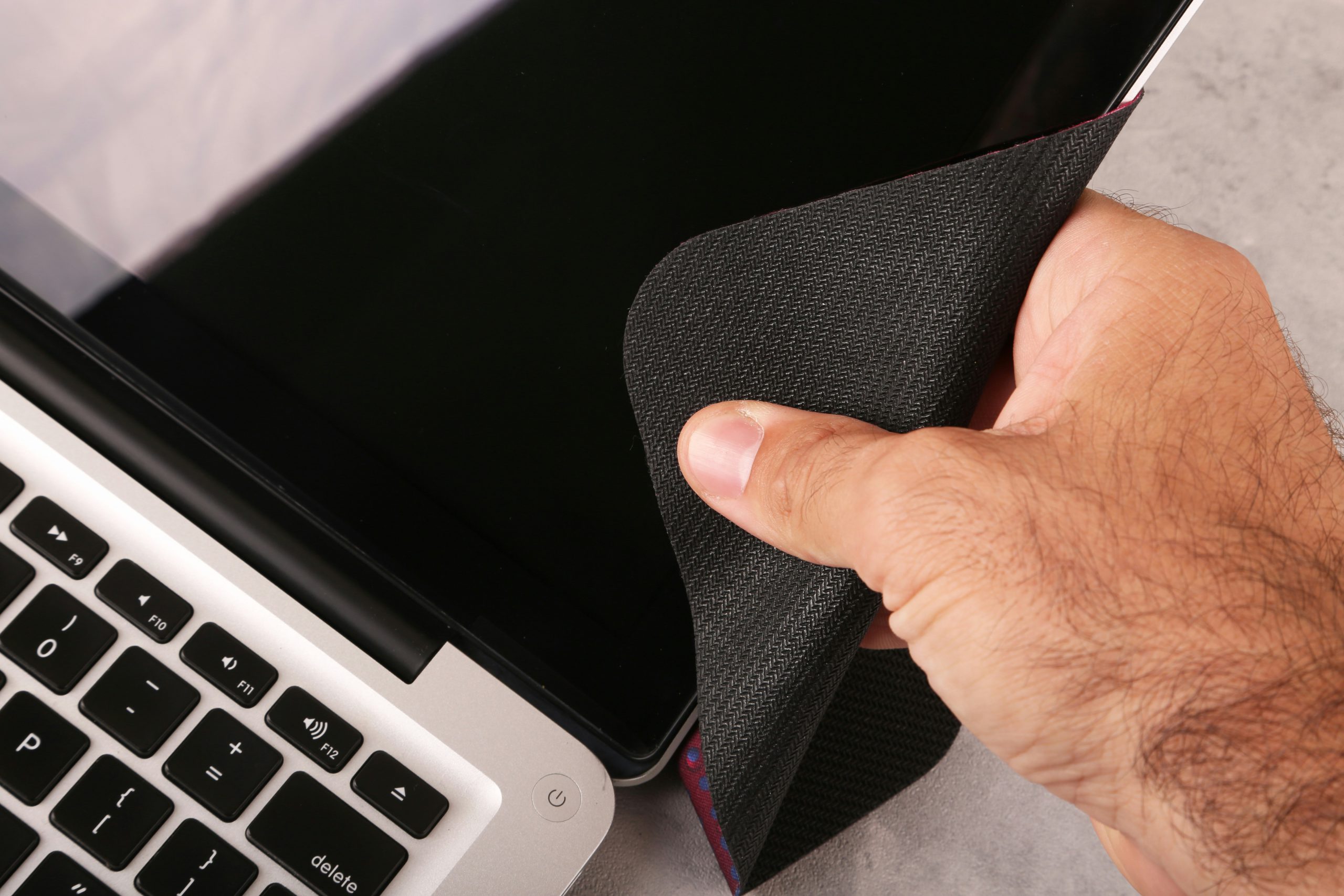
2. Use a microfiber cloth and a bit of 70% isopropyl alcohol
- Don’t soak it—just dampen the cloth slightly
- Wipe the screen, back, and sides
- Especially around the camera lens
3. Toothpick or SIM tool for port dust
- Gently clean the charging port and speaker grills
- You’d be shocked how much lint comes out
4. Magic Eraser for tough grime (carefully)
- Only for metal edges or scuffs—not for the screen or glossy parts
5. Remove old screen protector (if nasty)
- A $2 replacement makes it look brand new
- If it’s clean, leave it on and say “free protector included” 😎
MacBook Cleaning Checklist 💻
1. Power it off and unplug everything
- Common sense, but worth repeating
2. Compressed air or soft brush for the keyboard
- Turn it upside down and tap gently
- Air helps get crumbs out of tight spots
3. Microfiber cloth with alcohol for outer shell
- Wipe screen, keyboard, trackpad, and outer case
4. Magic Eraser (again) for palm rest discoloration or gunk
- Works wonders on older MacBooks
5. Tighten loose screws if needed
- Especially on bottom case—use a tiny pentalobe or Torx driver
Extra ByteFlip Touches
- If you don’t have the original box, you can buy empty ones on Kijiji for about $5. Just be honest—say it’s a replacement phone, or that the box is from a similar model one of your family members used. This goes for MacBooks too—box presentation helps add that “I took care of this” vibe.
- Bonus points if you include unused accessories (don’t toss in oily used cables—nobody wants that). A clean, unused charger and cable helps make the iPhone or MacBook feel legit and cared for.
- Take listing photos after cleaning, with good lighting
- Use a neutral background (desk or wood grain works)
- Take closeups of the ports and screen to show it’s clean
- Mention in the listing: “Sanitized and ready to go.”
A few minutes of effort can add $20–50 in perceived value. Not bad for some rubbing alcohol and a cloth you got free with your glasses 🤓
Wondering if you should just buy new instead? Here’s why I’m still rocking the iPhone 14 Plus in 2025.
Posted by ByteFlip
Just a guy flipping phones, avoiding overpriced stuff, and sharing what works.
Discover more from ByteFlip
Subscribe to get the latest posts sent to your email.
3 Comments