
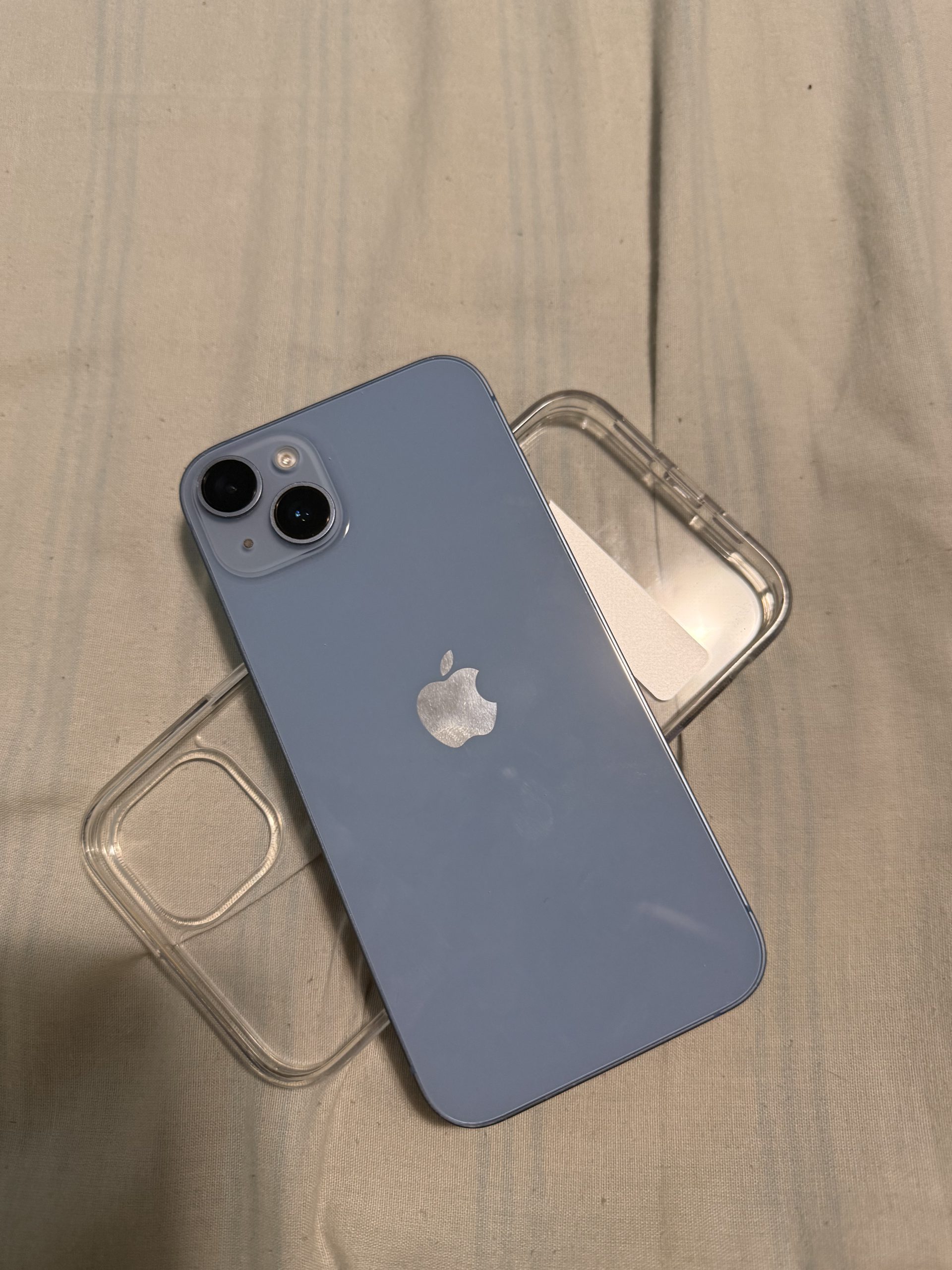
Still Using an iPhone 14 Plus in 2025 – Should You Upgrade or Wait?
I’ve been using the iPhone 14 Plus as my daily for a while now, and honestly… it’s still doing the job.
But with newer iPhones dropping every year, the big question is:
“Should I upgrade now, or wait it out?”
Let me break it down from a real-user perspective—not some review site.
Daily Performance – Still Holds Up
The 14 Plus handles all the usual stuff fine—Safari, YouTube, iMessage, maps, even some light multitasking.
But I’ll be real—there are occasional hiccups, especially when opening heavier sites like Kijiji, switching between apps, or loading up large photo libraries.
Also, I did notice the phone getting a bit warm when shooting longer videos or taking lots of photos in a row.
That said, you’ll mostly feel it if you’re using the phone without a case. With a case on, it’s barely noticeable.
Not a dealbreaker at all, but worth knowing if you’re planning to use it for content or lots of camera use.
Battery Life – Still Decent, With a Few Tricks
I’m sitting at 84% battery health, and still get through the day easily.
I keep Low Power Mode on almost all the time, and while it does help extend uptime, it can slow things down a bit—especially on heavier websites or apps.
💡 ByteFlip Tip:
If you’re buying a used 14 Plus, try to get one with 85% battery health or higher.
That should give you 2–3 years before needing a battery replacement.Want the full breakdown of how I shop for used iPhones (and spot good ones fast)? Read my 2025 flipping guide here.
Or, if you’re planning to flip it later, keeping it above 80% means it’ll still have decent resale value—buyers care about battery health.
Check Apple’s official battery replacement cost? Click here to view Apple Canada’s pricing.
⚠️ Also—avoid wireless charging if you want to keep your phone long-term.
It adds heat and wears the battery faster, especially as the phone gets older. Stick with wired charging.
I Got Mine for $375 CAD
Yup—$375, phone only.
Had some cosmetic scuffs on the side, but with a case? It basically looks brand new.
Want to see Apple’s official trade-in checklist?
Check their device condition tips here.
Planning to sell it later? Here’s how I clean up used tech to flip for more.
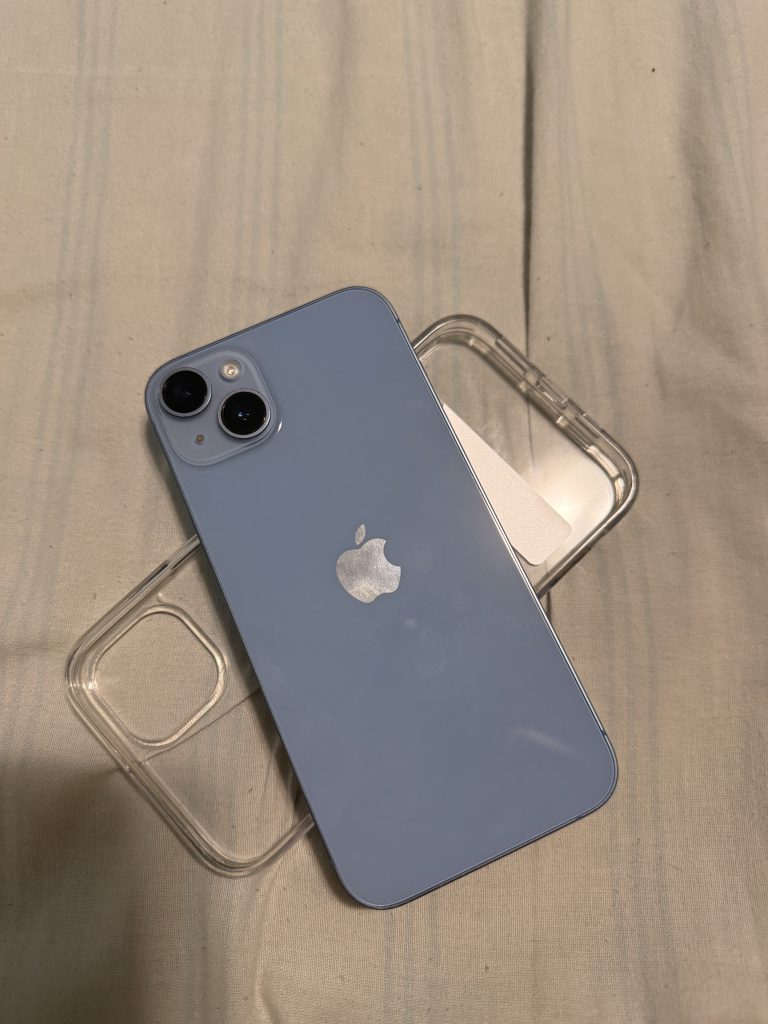
ByteFlip Bonus – How to Score a Cheap iPhone 14 Plus
If you don’t mind a few imperfections, here’s how to get a solid 14 Plus for way less:
- Look for listings that are “phone only” — no box, no cable, no charger
- Don’t be afraid of a few cosmetic scratches or dents on the side
- Want it even cheaper?
Grab one with a cracked back, throw on a case, and forget about it
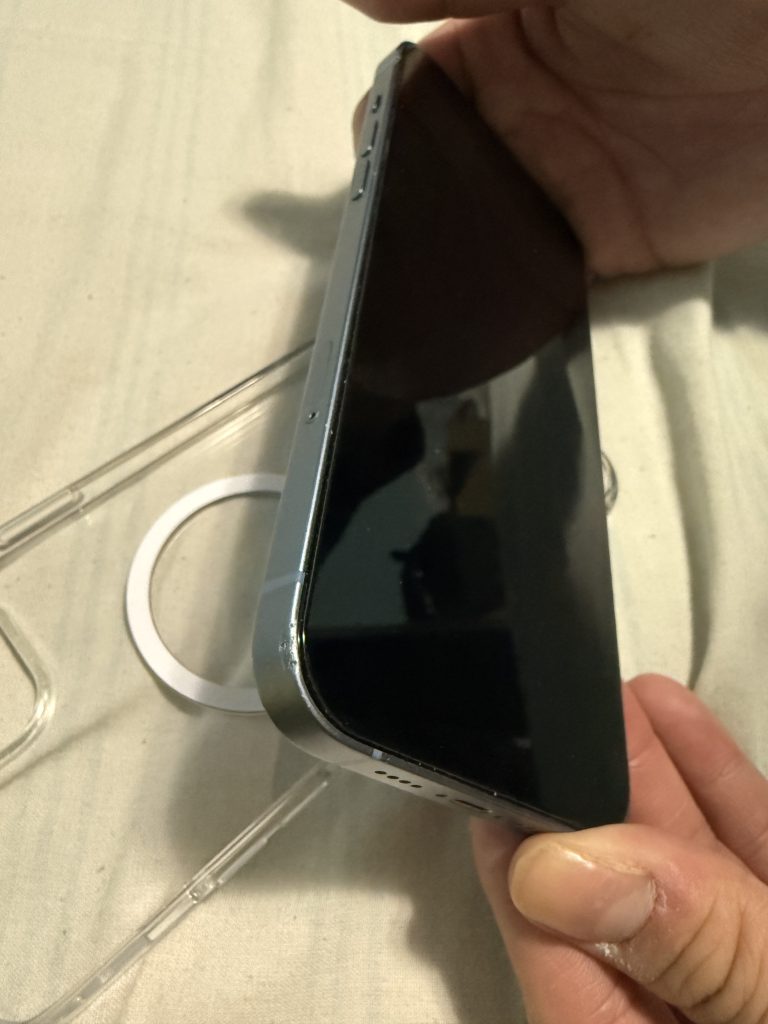
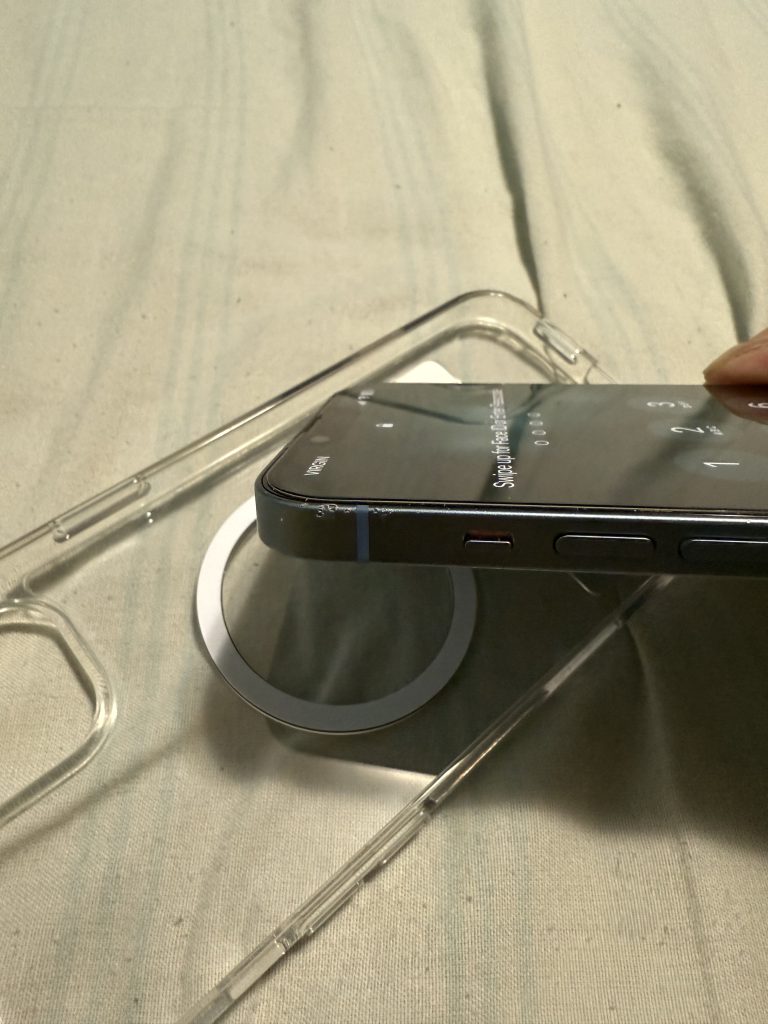
Yes, it’s been dropped. A few dents, nothing major. With a case on, you’d never know
So… Should You Upgrade?
Honestly? If your 14 Plus is still running well and the battery’s holding up, there’s no rush to upgrade.
Wait another year or two. Let the new phones settle. Then grab something better—for way less.
Posted by ByteFlip
Still flipping smart. Still riding the 14 Plus. But yeah… 15 Pro or 16 Pro, I see you 👀 wick wick.
Discover more from ByteFlip
Subscribe to get the latest posts sent to your email.
One Comment