Still Charging Your iPhone “the Old Way”? These Battery Myths Need to Go in 2025
Still Charging Your iPhone “the Old Way”? These Battery Myths Need to Go in 2025
This one started with a simple question from my girlfriend:
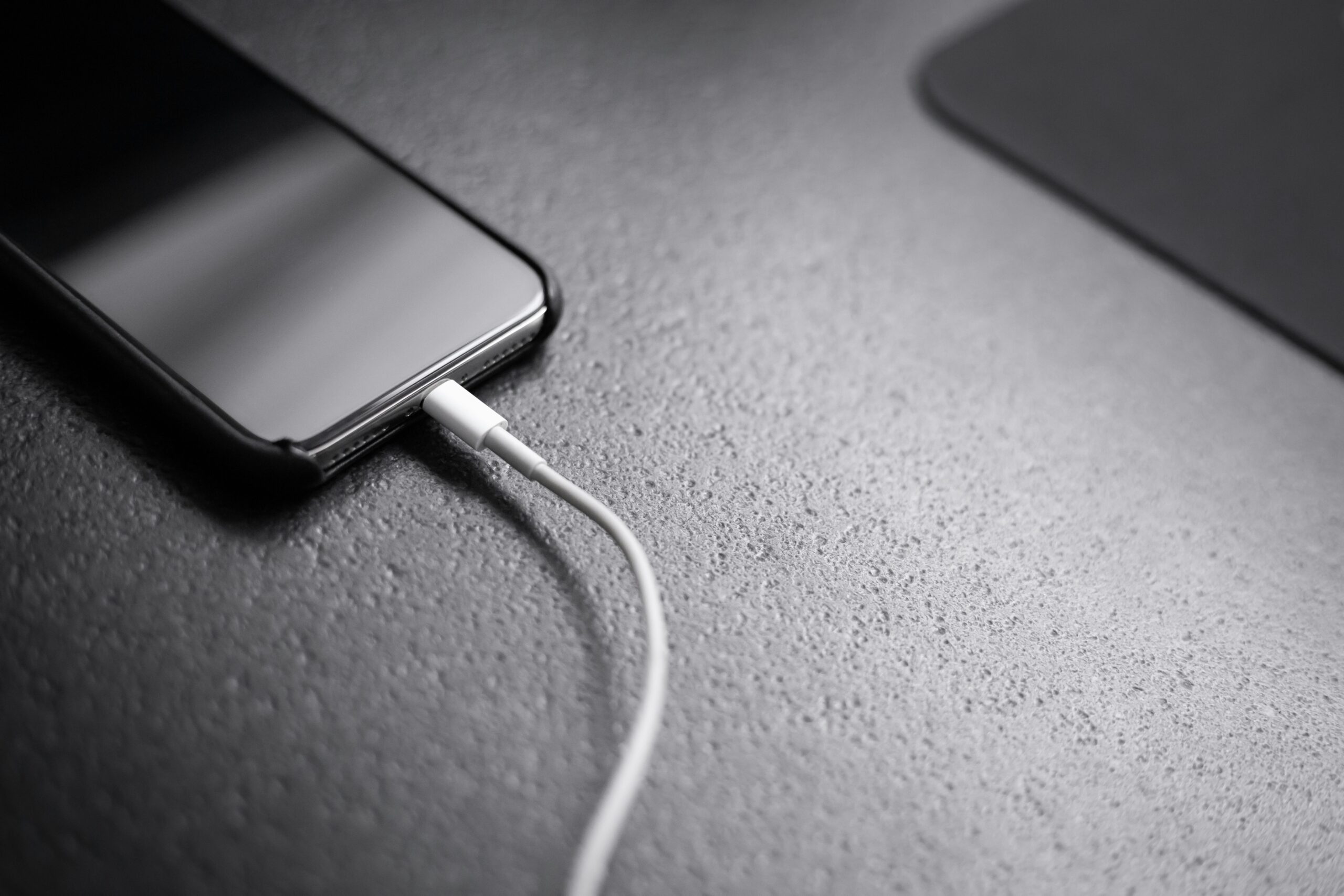
“Can I use the USB-C charger from my MacBook to charge my iPhone 16 Pro Max?”
And just like that, I was back in the rabbit hole of battery tips, myths, and what still matters in 2025.
I’ve flipped enough iPhones to know that most people are still stuck in the past with battery advice. Let’s break down what’s actually true now.
A Quick History: Why These Battery Myths Still Exist
Most of the “don’t charge overnight” or “don’t use fast chargers” advice comes from way back — like flip phone era or early lithium-ion days.
Back then:
- Batteries didn’t have smart charging control
- Charging overnight could overcook the battery
- There was no software regulating heat or draw
- 100% charges did stress the battery more
It’s not that those tips were fake — they were just for older tech. Like telling someone not to leave the VCR on pause too long.
But in 2025?
Modern iPhones use:
- Smart battery management built into iOS
- Optimized charging, especially overnight
- Chips that regulate the exact amount of power they draw from any charger
- Batteries designed to handle hundreds of charge cycles without major wear
So when people say “only use Apple’s tiny 5W charger or your phone will explode,” they’re just stuck in the past.
You can use your MacBook charger.
You can charge overnight.
You can wireless charge sometimes.
Just don’t let your phone live on a lava rock, and you’ll be good.
Myth 1: Charging Overnight Kills Your Battery
Nope. Apple’s “Optimized Battery Charging” slows things down after 80%, especially at night.
Your iPhone literally chills after it hits 80% and waits until morning to top up. Unless your bedroom is 45°C, it’s totally fine.
I charge overnight all the time. Still holding strong.
Myth 2: Using a 60W MacBook Charger is Dangerous
Your iPhone is smart. It only pulls the power it needs, no matter what charger you use.
Worried about plugging into your 60W Mac charger? Don’t be. I’ve done it for years. No issues. No battery meltdowns. Your iPhone might max out around 27W anyway — it doesn’t care if your brick can do 100W.
Myth 3: Fast Charging = Fast Battery Death
Nope again. Fast charging is safe and built in.
Heat is the real problem. If your phone’s cooking on a MagSafe pad in the car while running Google Maps in the sun? That’s way worse than using a 30W brick at home.
Myth 4: Never Let It Hit 0% or Go Past 80%
That was old advice. Today’s batteries can handle 0–100% cycles — just don’t make it a habit to drain it daily.
Personally? I let mine drop low. Sometimes I go to 100%. Whatever.
And my battery still drops just 2–3% per year, which is nothing for real-world use.
What About Battery Throttling?
Once your iPhone hits below 80% battery health, Apple may throttle performance to “stabilize the system.”
📎 Here’s Apple’s official support doc on performance throttling
So yeah — it matters a little, especially if you want to resell your phone later.
Heavy Gaming? Expect Faster Battery Drop
If you’re gaming a lot—especially on high refresh rate screens like the iPhone 13/14/15/16 Pro models—your battery will wear down faster over time.
Why?
- Gaming creates heat, and heat = battery enemy #1
- Your phone discharges fast, and if you’re constantly recharging, that adds up
- Some people game while charging, which doubles the heat exposure
It’s not instant damage, but over months and years, that combo of high temps + charge cycles will wear your battery faster than someone who just uses iMessage and Safari.
If you’re a mobile gamer, that’s fine—but just expect your battery to drop more like 5–7% a year, not 2–3%.
Still not the end of the world. But something to keep in mind, especially if you’re trying to hold onto your phone for the long run (or flip it later).
What I Actually Do
- I charge overnight
- I use a 60W charger
- I wireless charge when convenient
- I avoid heat and don’t let it die daily
- I turn on Low Power Mode if I’m out all day
- I’ve never had battery issues
For Long-Term Owners (5+ Years)
If you’re the type to keep your iPhone for 5–7 years, then:
- Avoid heat
- Don’t wireless charge daily
- Stay around the 30–80% range when you can
- Maybe swap the battery at year 4 or 5
But again — enjoy the device. That’s why you bought it.
Bonus ByteFlip Tip
Use your phone the way it fits your life.
If you’re constantly obsessing over battery percentage, you’re probably not enjoying the phone.
And if you’re flipping iPhones or buying used? Look for 85%+ health, or factor in battery replacement cost:
🇨🇦 $119 CAD – Apple Canada
🇺🇸 $89 USD – Apple USA
Posted by ByteFlip
Still flipping. Still charging with whatever’s nearby. Still not worrying about it.
Discover more from ByteFlip
Subscribe to get the latest posts sent to your email.